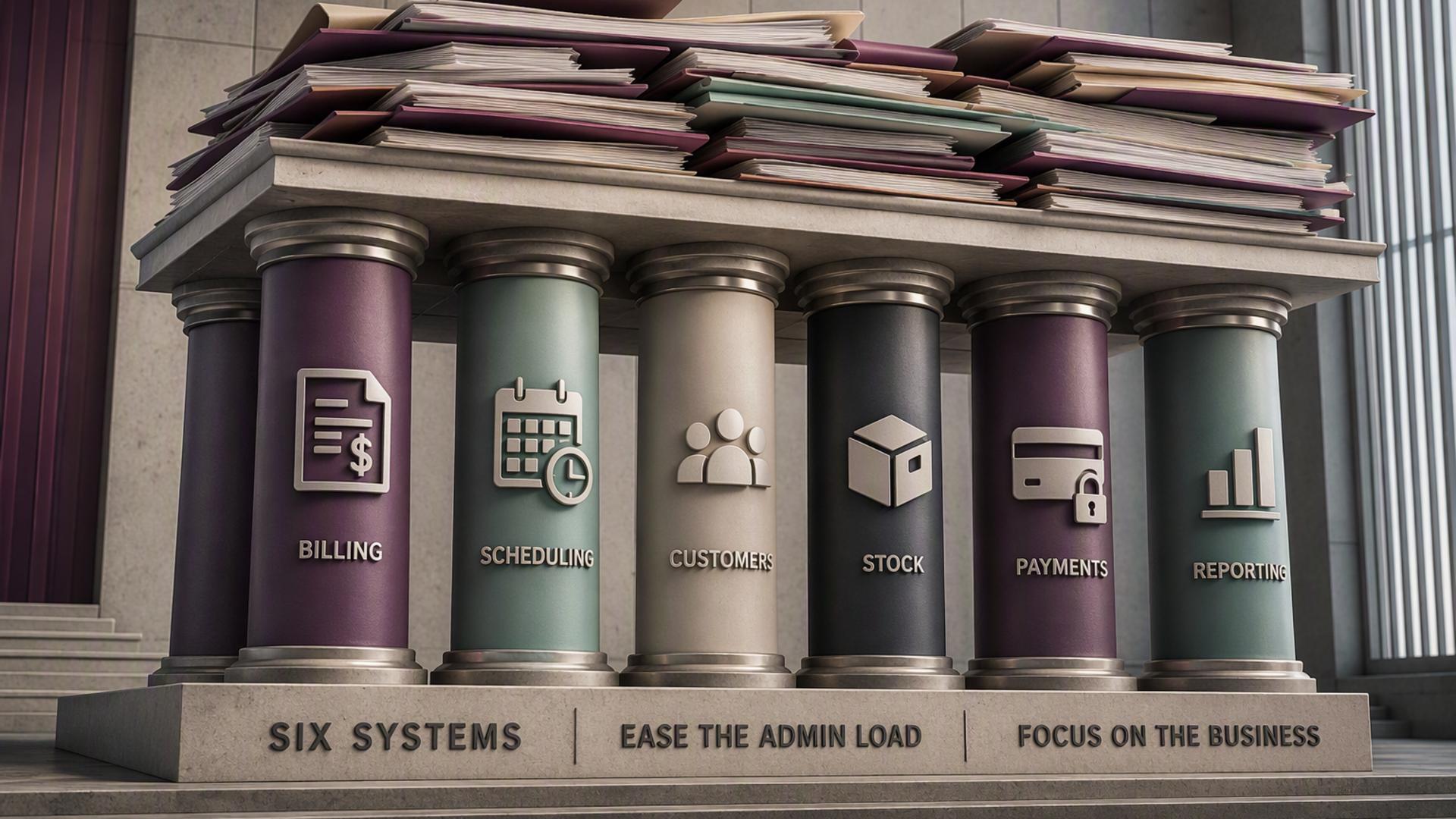
Six Software Tools That Can Transform a Sole Trader’s Daily Work
Operating a business independently means one person is responsible for everything: attracting clients, completing projects, overseeing finances, handling admin, and remaining compliant. In the absence of suitable software, those operational tasks can take up an outsized share of the time and attention that should be devoted to the work itself.
The most useful tools for a sole trader are not necessarily those with the most extensive feature sets. Their value lies in removing recurring operational obstacles so well that working without them soon seems unthinkable. The following six regularly meet that standard.
1. Sage Sole Trader: Software for Accounting, Tax and MTD
For many sole traders, finances and HMRC compliance create the most persistent underlying concern of running a business. Sage Sole Trader brings these responsibilities into one platform by tracking income and expenses as they happen, managing invoicing, preparing Self Assessment figures, and sending VAT returns directly to HMRC.
Instead of becoming a once-a-year task requiring several days of work, tax management becomes an ongoing and largely automated activity that remains up to date all year. With MTD for Income Tax Self Assessment due from April 2026, Sage also allows sole traders earning more than £50,000 to use a compliant platform before quarterly reporting obligations begin.
Why it matters: Automatically managing financial records and tax compliance throughout the year can remove the main administrative concern faced by many sole traders.
2. Otter.ai: Software for Meeting Transcription
Briefing calls, project discussions, and feedback sessions can occupy substantial time for sole traders working with several clients. Capturing detailed notes while staying engaged in the conversation is challenging, while relying on recollection afterwards can mean important details are overlooked. Otter.ai records and transcribes discussions in real time, creating a searchable written account that can be checked, shared, and revisited whenever needed.
In addition to its everyday practical value, a clear record of agreements made during client conversations offers valuable professional protection if any part of a project or engagement is disputed later.
Why it matters: Precise documentation of client discussions supports stronger delivery, limits misunderstandings, and offers professional protection if a dispute arises.
3. Miro: Digital Whiteboard and Collaboration Platform
Sole traders involved in creative, strategic, or collaborative work can repeatedly encounter the limits of explaining complex thinking through email or conventional video calls. Miro provides an online whiteboard where several people can collaborate visually and in real time, whether they are developing ideas, planning projects, facilitating workshops, or arranging information in a shared space.
When sole traders bring Miro into client projects, it can improve the standard of collaboration, reduce repeated clarification by email, and create a more distinctive and professional way to deliver work.
Why it matters: Improved collaboration can produce stronger client outcomes, reduce confusion, and reinforce a professional reputation that supports referrals and repeat work.
4. Pleo: Business Spending Management Platform
Business expenses are unavoidable for every sole trader, yet paying for them, retaining receipts, recording the details correctly, and reconciling them with accounts creates a continuing low-level administrative task. Pleo replaces that manual process with a business spending platform that supplies a dedicated business card, captures receipt information when purchases are made, automatically categorises spending, and transfers the data into accounting software without manual input.
As a result, business spending remains visible, documented, and ready for review at all times, rather than requiring an end-of-month reconciliation process.
Why it matters: Automated expense administration can save hours each month while ensuring every business cost is recorded correctly and available for tax purposes.
5. Mailchimp: Platform for Email Marketing
Remaining visible to former clients and warm prospects is among the highest-value activities available to a sole trader, yet it is also frequently overlooked. Mailchimp makes it easier to create a contact list, produce professional emails, and plan regular communications that keep a sole trader’s name and services in front of people already familiar with and trusting of their work.
A straightforward monthly email featuring useful content or recent work can generate valuable repeat enquiries over time. Its automation features can also run welcome sequences and follow-up emails without active involvement, helping communications remain consistent during busy periods.
Why it matters: Existing relationships are almost always the most cost-effective route to new work for a sole trader. Mailchimp helps maintain those relationships with limited ongoing effort.
6. 1Password: Password and Security Management
A sole trader may hold substantial sensitive information, including client data, contracts, financial documents, HMRC login details, and banking access. Without a dedicated password manager, they may either reuse weak passwords across accounts or find it difficult to maintain secure and unique passwords for each one. Both situations present a real security risk.
1Password keeps credentials in an encrypted vault, creates strong and distinct passwords for every account, and automatically fills them when required. For a sole trader without an IT department, it represents a highly impactful individual measure for protecting the business and its clients against a security breach.
Why it matters: One security incident can lead to serious reputational and financial harm. 1Password is an accessible and effective security option for a sole trader.
Frequently Asked Questions
How can these software tools operate together instead of functioning as isolated systems?
The strongest software arrangements for sole traders are integrated rather than separate. Sage connects with Pleo, allowing business spending to enter the accounts automatically. Otter.ai transcripts may be kept and consulted with client files. Mailchimp contact lists can be created using client relationships managed in other places. The objective is to use a limited set of tools that each perform one task well and connect where possible, rather than relying on a disconnected collection that needs manual work to bridge systems.
What should be the priority if I can currently pay for only one or two of these tools?
Accounting software should come first. Keeping accurate digital records recognised by HMRC throughout the year provides enough financial and compliance value to take priority over other business software investments. The time and stress avoided, together with the tax mistakes prevented, will typically generate a return that exceeds the subscription cost during the first few months of use.
Could I become overly reliant on software that later changes or is no longer available?
Well-established and reputable platforms such as those included here are generally stable long-term investments, especially where substantial user bases and subscription models provide a commercial reason to support and improve the product. For most sole traders, the greater risk is the reverse: continuing with insufficient manual processes because of hesitation around software adoption, then absorbing the continuing costs of time, mistakes, and missed deductions.
Is technical expertise necessary to set up and use these platforms?
Technical knowledge is not required for any platform in this list. Each is intended for business owners rather than developers, using interfaces that lead users through setup and everyday use. Most provide free trials so users can assess the product before committing, and every platform offers support documentation and customer service teams for questions that may occur during setup.
How can I tell whether a software tool is truly reducing my workload instead of creating more complexity?
A dependable approach is to measure the duration of particular tasks before and after introducing the tool. Examples include receipt administration that once required an hour of monthly reconciliation, client communications that involved individually drafted emails, or meeting notes that needed to be written up afterwards. These tasks have a measurable time requirement that effective software can substantially reduce. If genuine use does not deliver a clear improvement in time or quality during the first month, it is worth reconsidering whether the tool is suitable.